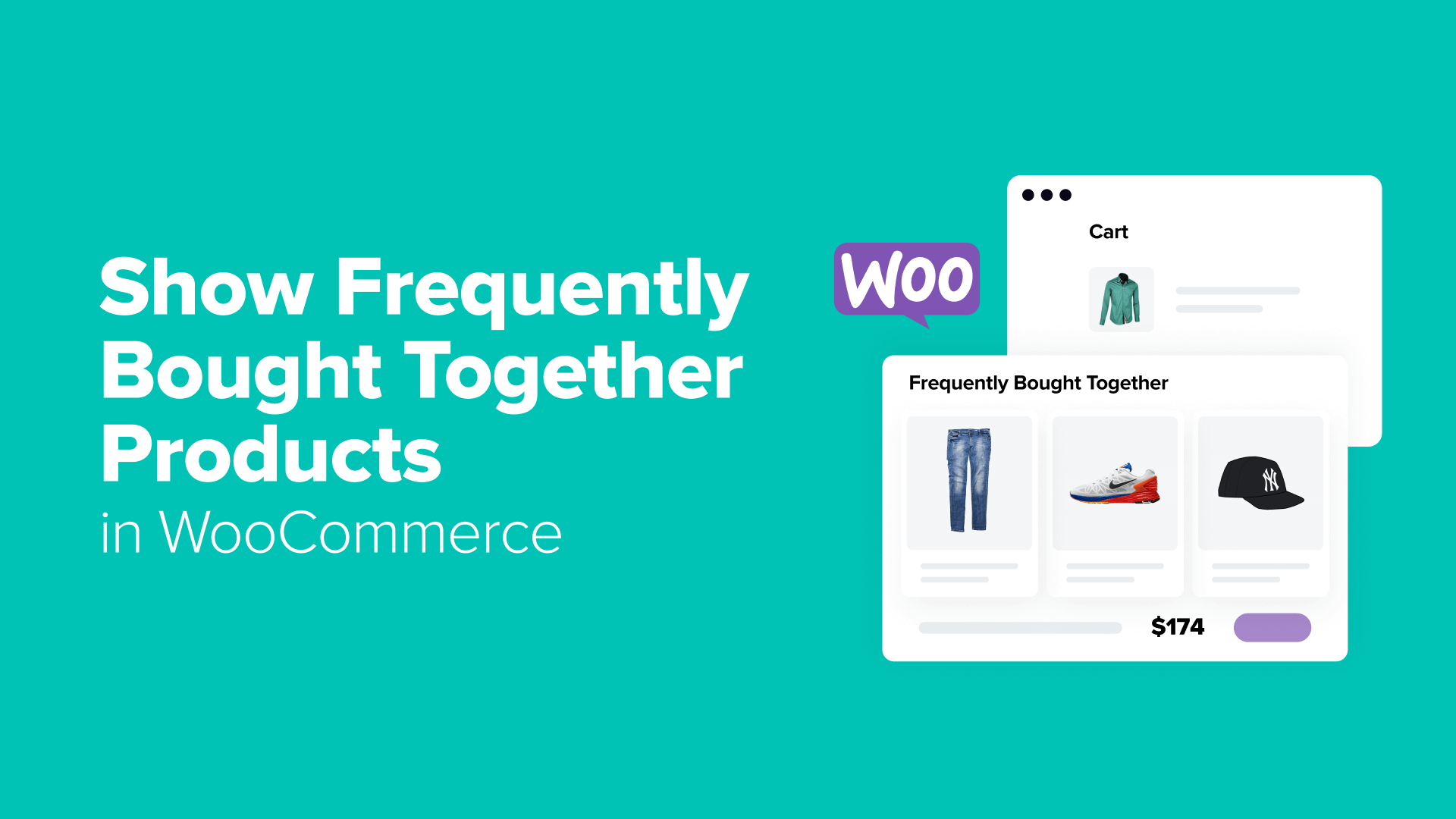
Effective Methods to Display Frequently Purchased Product Combinations in WooCommerce
By Editorial Team |
Have you ever observed how certain online retailers appear to anticipate customer needs when presenting product suggestions?
You might be viewing a smartphone, and suddenly, compatible accessories like protective cases, screen protectors, and charging cables appear alongside it.
This strategic approach, known as "frequently purchased together" product recommendations, represents a sophisticated marketing technique rather than mere coincidence.
Many successful e-commerce businesses implement similar strategies. When customers consider purchasing individual items, presenting complementary products alongside them demonstrates additional value opportunities. This methodology has proven effective for increasing sales volume and enhancing average order values across numerous online stores.
This comprehensive guide explores multiple approaches for implementing frequently purchased together product displays within WooCommerce stores.
Strategic Placement for Frequently Purchased Together Product Displays
Implementing frequently purchased together product recommendations can significantly enhance store performance. Research indicates that product suggestions can contribute substantially to overall e-commerce revenue.
Optimal locations for displaying these recommendations include:
- Product Detail Pages– When customers actively research specific items, presenting complementary products alongside their primary interest creates additional purchasing opportunities.
- Shopping Cart Interface– Customers reviewing their selected items demonstrate purchase intent, making them receptive to additional product suggestions that complement their current selections.
- Checkout Process– This final interaction point presents opportunities to increase transaction values through strategically placed complementary product offers.
- Targeted Overlays– These dynamic elements can appear throughout the shopping journey, presenting recommendations based on customer browsing patterns and cart contents.
Continue reading to explore implementation methods for these recommendation systems within WooCommerce environments.
Implementation Approaches for Frequently Purchased Together Products
WooCommerce provides multiple pathways for establishing frequently purchased together product relationships. Understanding available options helps determine the most suitable approach for specific business requirements.
The most straightforward method utilizes WooCommerce's integrated linked product functionality, requiring no additional plugins or financial investment.
For enhanced customization capabilities, specialized funnel building tools offer advanced features for creating tailored checkout experiences and dynamic cart interfaces that display complementary products effectively.
Alternatively, dedicated plugins can enhance the visual presentation of WooCommerce's native linked product features while maintaining core functionality.
For attention-grabbing presentation methods, specialized overlay tools enable strategic placement of product recommendations based on customer behavior patterns.
Detailed implementation guides for each approach follow below:
- Method 1: Utilize WooCommerce's Linked Products Feature (No-Cost Solution)
- Method 2: Implement Funnel Building Tools (Custom Cart and Checkout Interfaces)
- Method 3: Employ Dedicated Frequently Purchased Together Plugins
- Method 4: Implement Targeted Overlay Systems
Method 1: Utilize WooCommerce's Linked Products Feature (No-Cost Solution)
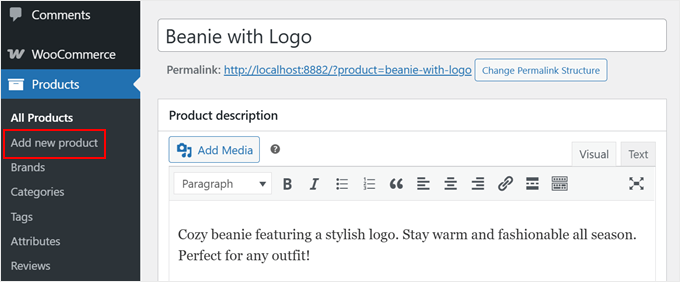
Begin by navigating to Products » Add new product within the WordPress administration interface to create new product entries or modify existing ones for frequently purchased together configurations.
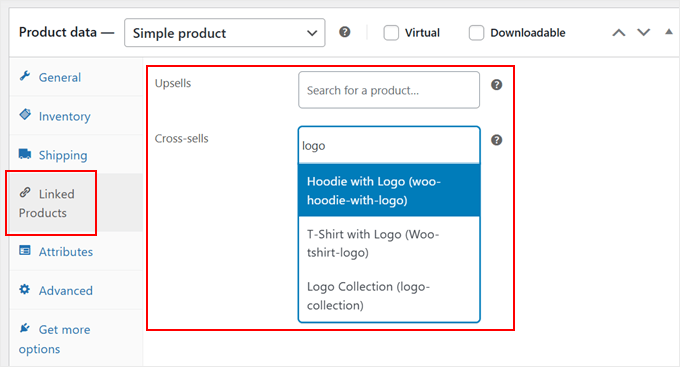
Scroll downward to locate the 'Product data' section, then select the 'Linked Products' tab from the left navigation panel.
This interface facilitates product recommendation configuration.
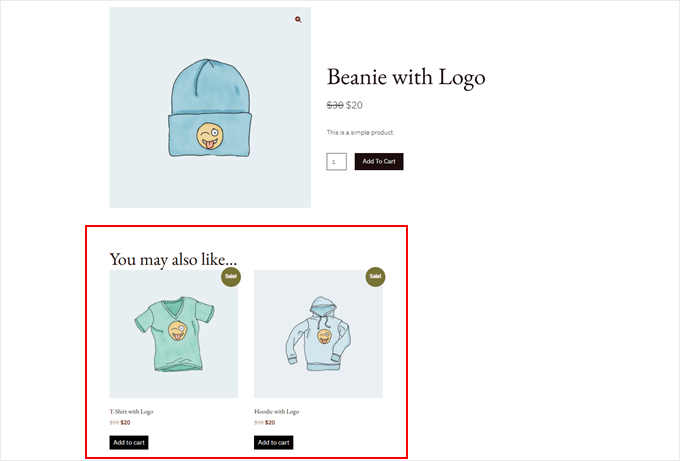
WooCommerce incorporates two primary product linking methodologies: Upsells and Cross-sells. Understanding their distinctions proves essential for effective implementation.
Upsells recommend superior or premium alternatives to currently viewed products. For instance, suggesting an advanced laptop model on a basic laptop's product page represents upselling. These recommendations typically appear under headings like 'You might also consider...'
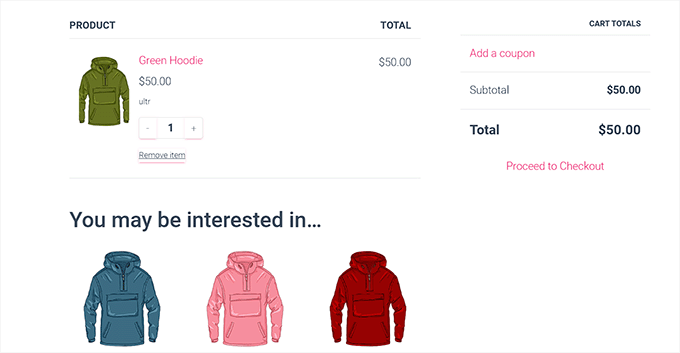
Cross-sells suggest complementary items that enhance products already present in shopping carts. For example, recommending headphones alongside a smartphone in the cart represents cross-selling. These suggestions typically appear on cart pages under sections like 'Consider adding...'
For both recommendation types, enter product names into search fields and select appropriate matches from displayed results.
Additional product configuration options remain available at this stage, including:
- Implementing product question-and-answer functionality
- Creating comprehensive product image galleries
- Applying product categorization through tags, categories, or attributes
- Incorporating product demonstration videos
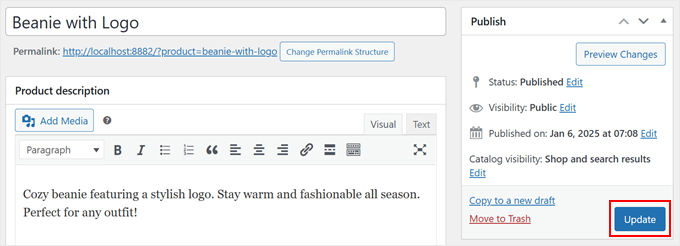
Once frequently purchased together configurations meet requirements, select 'Publish' or 'Update' options to preserve all modifications.
Method 2: Implement Funnel Building Tools (Custom Cart and Checkout Interfaces)
Specialized funnel building platforms enable creation of customized shopping experiences within WooCommerce environments. These tools provide enhanced control over product recommendation presentation methods and timing.
Two primary approaches exist for displaying product suggestions using funnel building systems. The first involves implementing dynamic cart interfaces that follow customers during browsing sessions.
When customers add items to their carts, these interfaces appear with strategically selected complementary products, functioning similarly to personalized shopping assistance.
The second methodology targets customers during checkout processes using strategic offer placements. This approach proves effective for final complementary product suggestions, analogous to impulse purchase items positioned near physical store checkout areas.
The distinction lies in the ability to display items specifically complementing existing cart contents rather than generic offers.
Both approaches can operate independently or concurrently to enhance overall sales performance.
Initial implementation requires installation and activation of several WordPress extensions:
- Primary funnel building extension– This foundational plugin enables custom sales funnel creation
- Dynamic cart interface extension– This component adds sliding cart functionality to store interfaces
- Advanced funnel building extension– Professional versions unlock sophisticated features like strategic offer placements for frequently purchased together product displays
Following successful installation and activation of required extensions, navigate to the funnel building administration interface to begin configuration.