A Comprehensive Guide to Building a B2B eCommerce Store with WordPress
Establishing an online store for business-to-business transactions no longer requires complex enterprise software or significant development budgets. Modern solutions have made this process far more accessible.
Through extensive evaluation of various platforms, many experienced developers have found that combining WordPress with specialized eCommerce extensions provides an optimal blend of functionality and user-friendliness for B2B operations.
Creating an online store for wholesale transactions involves specific requirements like tiered pricing structures, volume ordering capabilities, and dedicated customer portals. Fortunately, current tools address these needs without excessive complexity or cost.
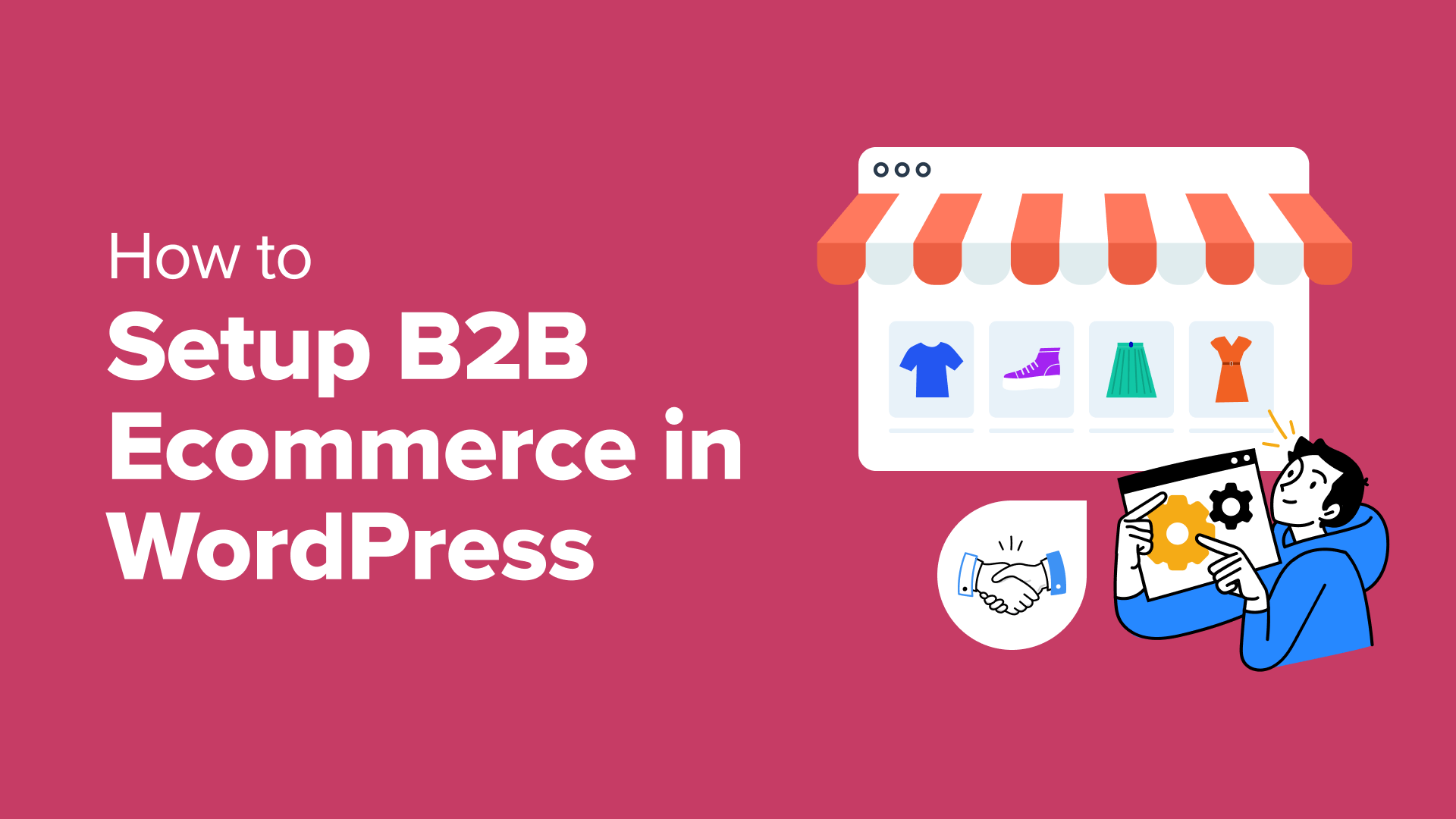
This guide presents a practical approach to implementing B2B eCommerce functionality within the WordPress environment. Whether launching a new venture or enhancing an existing operation, these methods provide a solid foundation for business-focused online sales.
Understanding B2B WordPress eCommerce Stores
A B2B WordPress eCommerce store serves business customers rather than individual consumers. These platforms facilitate transactions between companies, such as wholesale distributors supplying products to retailers or manufacturers providing materials to other businesses.
Business-focused eCommerce platforms typically feature more sophisticated product management systems and specialized functionality tailored to organizational purchasing needs. They must accommodate larger transaction volumes and more complex ordering processes than consumer-facing stores.
Transitioning to or establishing a B2B eCommerce presence can expand market reach and streamline sales operations. This approach enables businesses to efficiently manage wholesale relationships without requiring physical expansion or additional sales personnel.
This digital transformation represents a cost-effective strategy for reaching broader markets while maintaining scalability to accommodate growing demand without proportional increases in operational overhead.
The following sections outline the complete process for establishing a B2B eCommerce store using WordPress:
- Step 1: Selecting Your Website Platform
- Step 2: Acquiring Hosting and Domain Services
- Step 3: Choosing and Customizing Your Design Template
- Step 4: Creating Essential Pages and Navigation
- Step 5: Configuring Your eCommerce Solution
- Step 6: Implementing Wholesale Functionality
- Step 7: Adding Wholesale Order Forms
- Additional Tools for Enhancing Your B2B Store
- Common Questions About WordPress B2B eCommerce
Let's begin the implementation process.
Step 1: Selecting Your Website Platform
The initial decision involves choosing an appropriate website platform.
WordPress represents a strong candidate for B2B eCommerce development due to its flexibility, customization capabilities, and widespread adoption. The platform powers a substantial portion of websites globally and offers extensive functionality through its ecosystem.
Prospective users should understand the distinction between WordPress.com and WordPress.org. The former operates as a managed hosting service with varying limitations across different subscription tiers. The latter provides complete access to the core software, requiring separate hosting arrangements but offering greater control and customization potential.
For B2B eCommerce applications, the self-hosted WordPress.org version typically proves more suitable. This approach facilitates seamless integration with specialized eCommerce extensions and wholesale functionality plugins, providing the necessary foundation for business-to-business operations.
Step 2: Acquiring Hosting and Domain Services
Establishing your online business presence requires securing both web hosting services and a domain name.
Web hosting providers supply the server infrastructure necessary to make your website accessible online. A domain name serves as your digital address, such as businessname.com, allowing customers to locate your store.
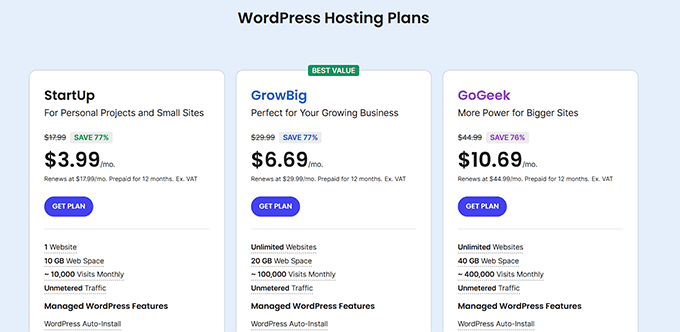
While WordPress software remains freely available, operational costs begin with these essential services. Domain registration typically involves annual fees, while hosting services operate on recurring subscription models. Various providers offer packages specifically optimized for eCommerce applications.
Several hosting companies provide comprehensive solutions that include domain registration, security certificates, and eCommerce-optimized server configurations. These bundled offerings can simplify the initial setup process while ensuring proper technical foundations for your B2B store.
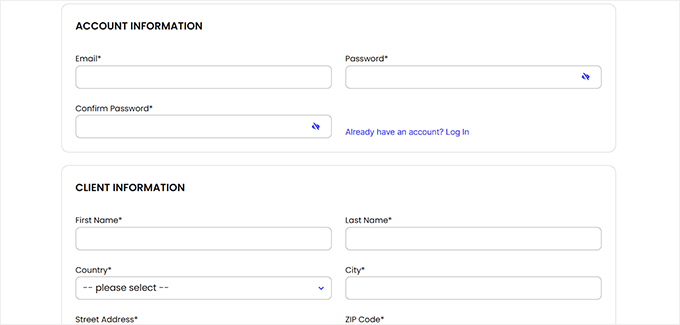
When evaluating hosting providers, consider those with established WordPress expertise and eCommerce-specific optimizations. The registration process generally involves selecting an appropriate service tier, choosing your domain name, and completing account setup with payment information.
Following registration completion, you'll receive access credentials to your hosting control panel. This interface typically includes tools for installing WordPress and managing your website's backend infrastructure.
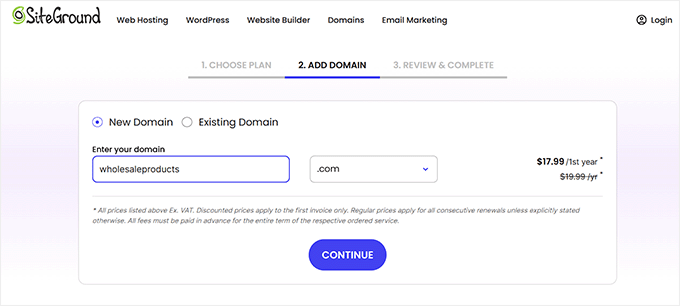
Domain selection represents an important branding decision. Ideal domain names reflect your business identity while remaining memorable and easy to communicate. If your preferred name proves unavailable, consider incorporating relevant keywords or geographic indicators to create distinctive alternatives.
Once your hosting account becomes active, you can typically access your WordPress administration area directly through your hosting control panel or by navigating to yourdomain.com/wp-admin/ in a web browser.

Step 3: Choosing and Customizing Your Design Template
WordPress themes provide professionally designed templates that determine your website's visual presentation and layout structure.
Themes offer significant advantages by providing established design frameworks, eliminating the need to develop interfaces from initial concepts. These templates remain fully customizable to align with your specific branding requirements and operational needs.
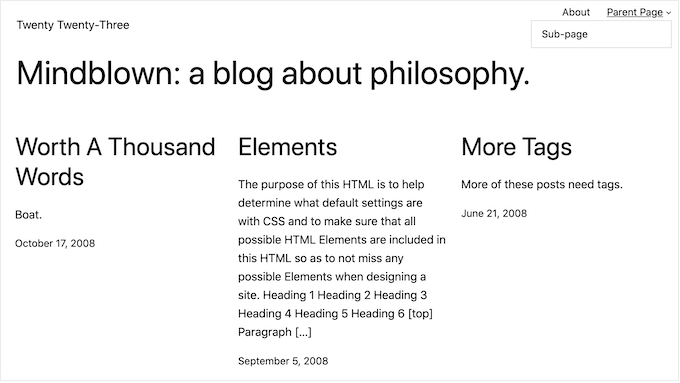
Following WordPress installation, your site will display a default theme that changes periodically with platform updates. While functional, this generic presentation may not optimally represent your business identity or facilitate the user experience necessary for B2B transactions.
Selecting an appropriate theme that complements your industry and brand identity can enhance user engagement and support professional credibility. Many themes include specific optimizations for eCommerce functionality, providing built-in support for product displays, shopping carts, and checkout processes.