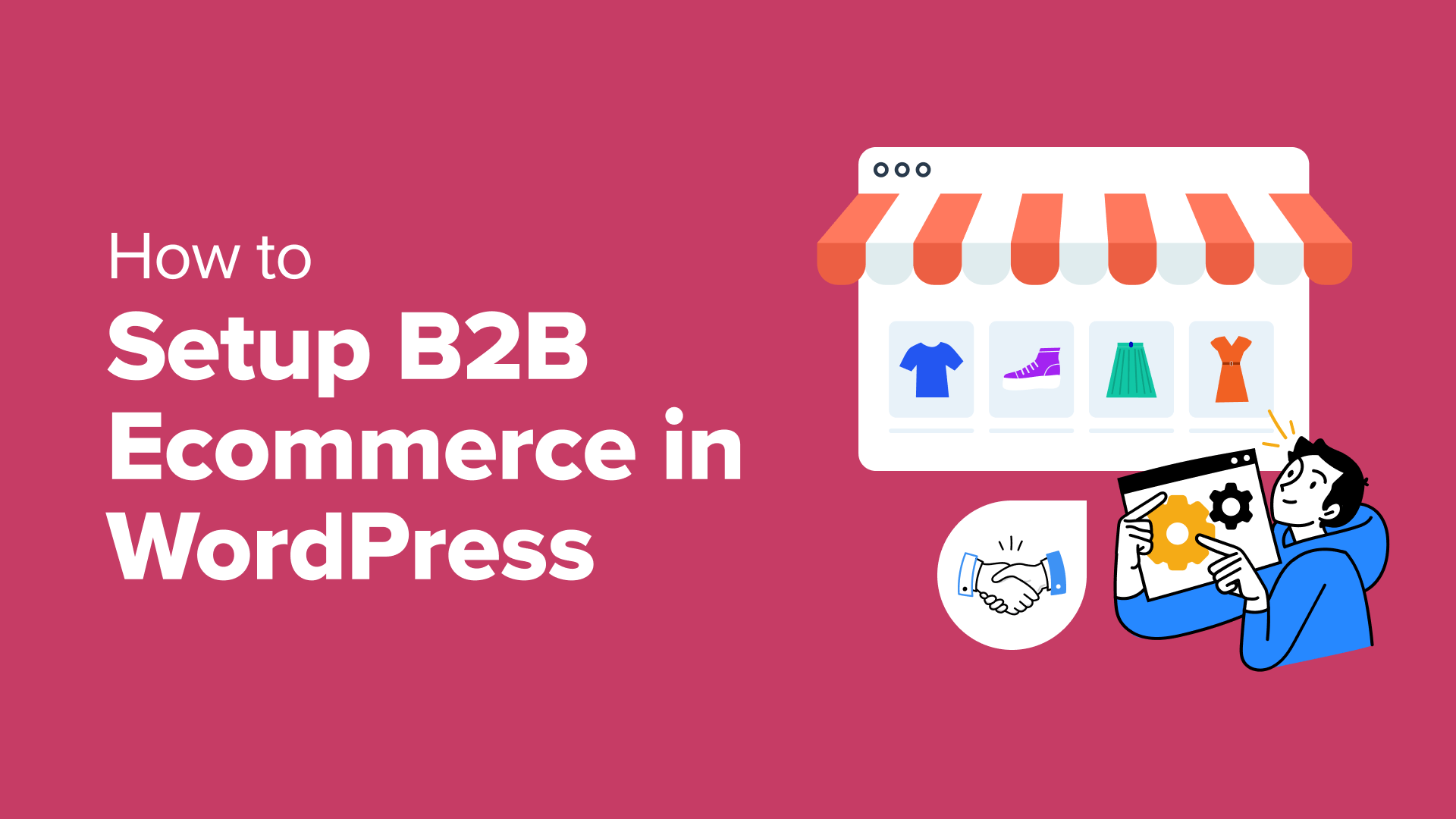
A Step-by-Step Guide to Building a B2B eCommerce Store with WordPress
Establishing a B2B online store no longer requires complex enterprise software or significant development budgets. Modern WordPress solutions provide a powerful and accessible alternative for businesses of all sizes.
After extensive evaluation of various platforms, many experienced developers find that combining WooCommerce with specialized B2B extensions creates an ideal foundation for wholesale operations.
Building a business-to-business sales platform involves specific requirements like tiered pricing, volume discounts, and customer account management. The goal is to implement these features without excessive complexity or cost.
This comprehensive guide outlines a proven methodology for creating a fully functional B2B eCommerce website using WordPress. Whether launching a new wholesale venture or converting an existing retail site, these steps provide a clear path to success.
Understanding B2B WordPress eCommerce Platforms
A B2B WordPress eCommerce store serves business customers rather than individual consumers. These platforms facilitate transactions between companies, such as manufacturers selling to distributors or wholesalers supplying retailers.
For example, a textile manufacturer might sell fabric in bulk to clothing brands, or an office supply company could provide discounted products to corporate clients. These websites typically feature advanced functionality tailored to commercial buyers.
B2B platforms often manage complex product catalogs with multiple variations and handle substantially larger order volumes than consumer-facing stores. They streamline procurement processes, reducing the need for traditional sales channels.
Transitioning to or establishing a B2B model can significantly expand market reach and revenue potential. Online wholesale operations enable businesses to serve customers globally without physical expansion, creating scalable growth opportunities with manageable overhead.
This tutorial covers the complete implementation process:
- Step 1: Selecting Your Website Platform
- Step 2: Acquiring Hosting and Domain Services
- Step 3: Choosing and Configuring Your WordPress Theme
- Step 4: Building Essential Pages and Navigation
- Step 5: Configuring Your eCommerce Solution
- Step 6: Implementing Wholesale Functionality
- Step 7: Creating Wholesale Order Forms
- Additional Tools for B2B Store Optimization
- Common Questions About WordPress B2B eCommerce
Let's begin the implementation process.
Step 1: Selecting Your Website Platform
The foundation of your B2B store begins with platform selection. WordPress represents a popular choice due to its flexibility, customization options, and extensive ecosystem. The platform powers a significant percentage of modern websites.
Prospective users should understand the distinction between WordPress.com and WordPress.org. The former operates as a managed service with various plan options, while the latter provides open-source software requiring separate hosting.
WordPress.org offers complete control over your website's functionality and design. This version seamlessly integrates with eCommerce plugins and B2B extensions, making it particularly suitable for wholesale operations.
Step 2: Acquiring Hosting and Domain Services
Launching your business website requires web hosting services and a domain name. Hosting provides server resources for your site, while your domain serves as its online address.
Although WordPress software is free, operational costs include domain registration and hosting services. Domain names typically involve annual fees, while hosting represents a recurring monthly or yearly expense.
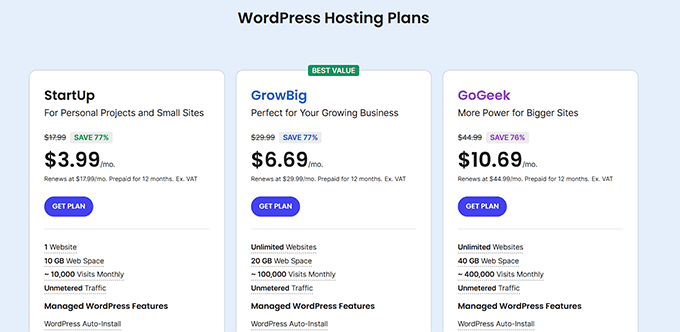
Numerous hosting providers offer specialized WordPress plans with features optimized for eCommerce operations. Many include domain registration and security certificates with their packages.
When selecting a hosting provider, consider plans specifically designed for WooCommerce or business websites. These often provide enhanced performance and security features necessary for commercial operations.
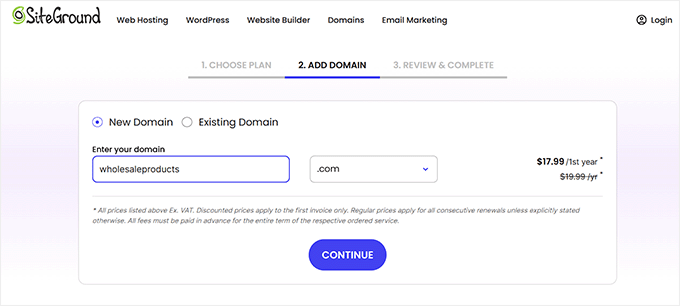
Domain selection represents a crucial branding decision. Ideally, your domain should reflect your business name or primary offerings. If your preferred name is unavailable, consider incorporating relevant keywords or location identifiers.
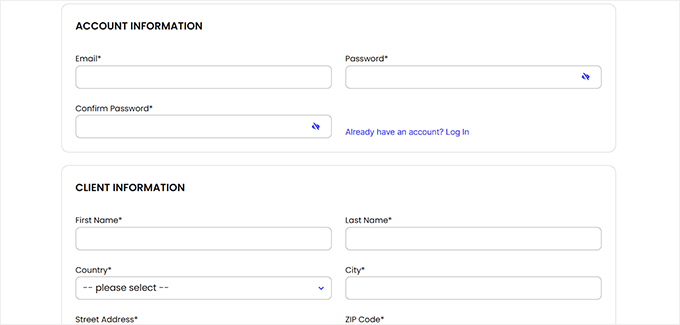
Effective domain names are memorable, easy to spell, and professionally appropriate for your industry. After completing your hosting purchase, you'll receive access credentials and instructions for managing your account.
Most hosting providers include automated WordPress installation. Once configured, you can access your WordPress administration panel through your hosting dashboard or by navigating to your domain followed by /wp-admin/.

Step 3: Choosing and Configuring Your WordPress Theme
WordPress themes provide the visual framework for your website's public interface. These templates establish your site's layout, styling, and overall aesthetic presentation.
Themes offer significant advantages by providing professional design foundations, eliminating the need to create interfaces from scratch. Most themes include customization options to align with your brand identity.
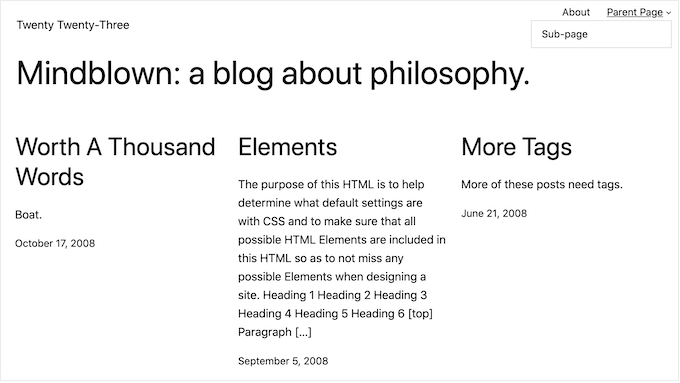
Fresh WordPress installations include a default theme that changes periodically. While functional, this generic template typically lacks the specialized features and professional appearance needed for commercial websites.
Selecting an appropriate theme involves considering your industry, target audience, and functional requirements. Many themes specifically designed for eCommerce include built-in features for product display, shopping carts, and checkout processes.
A well-chosen theme enhances user experience, supports brand consistency, and provides the technical foundation for your B2B operations. The WordPress theme directory offers numerous free options, while premium marketplaces provide advanced commercial themes with dedicated support.