Step-by-Step Guide to Building a Nonprofit Website Using WordPress
Establishing a strong online presence is essential for any nonprofit organization aiming to expand its reach, attract donors, and engage volunteers. A well-designed website serves as the digital hub for your mission, helping to communicate your story and facilitate support.
Many charitable organizations face the challenge of creating an effective website without extensive technical knowledge or a large budget. This guide provides a clear, manageable path to building a professional nonprofit site using WordPress, a platform favored for its flexibility and cost-effectiveness.
The Importance of a Nonprofit Website
For mission-driven organizations, a website is more than just an online brochure. It is a vital tool for raising awareness, securing funding, and building a community of supporters. An effective site can amplify your impact and connect you with a global audience.
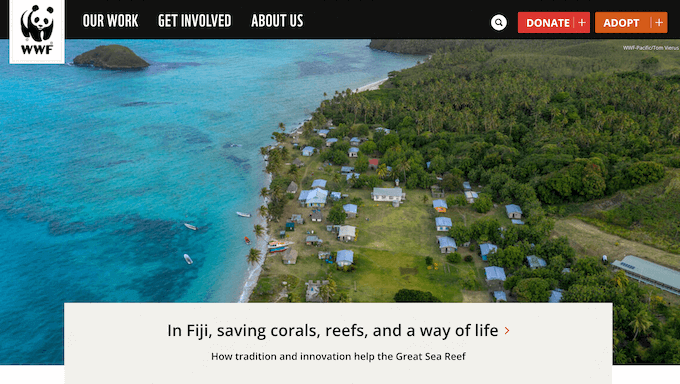
While the process may seem complex, numerous resources and user-friendly platforms make it accessible. Many experienced developers have successfully guided nonprofits through this journey, demonstrating that a powerful website can be built efficiently and affordably.

A well-constructed nonprofit website should be:
- Accessible: Designed for users with varying levels of technical skill, with clear instructions.
- Efficient to Launch: Utilizing tools that simplify setup and management.
- Cost-Effective: Minimizing expenses to preserve funds for core mission activities.
- Easy to Maintain: Built on stable platforms that require minimal ongoing technical oversight.
The following steps outline a practical approach to creating your nonprofit website with WordPress. Use the links below to navigate the guide.
- Step 1: Selecting a Website Platform
- Step 2: Establishing Your Website Foundation
- Step 3: Installing WordPress
- Step 4: Choosing a WordPress Theme
- Step 5: Designing a Custom Home Page
- Step 6: Adding Essential Pages
- Step 7: Integrating a Contact Form
- Step 8: Setting Up Online Donations
- Step 9: Creating an Events Calendar
- Step 10: Adding Social Media Feeds
- Step 11: Configuring Site Navigation
- Next Steps: Promoting Your Website
Step 1: Selecting a Website Platform
Choosing the right platform is the first critical decision. For most nonprofits, WordPress is a highly recommended solution due to its balance of power, flexibility, and affordability.
WordPress is open-source software, meaning it is free to use and modify. This can significantly reduce initial costs, allowing more resources to be directed toward your programs.
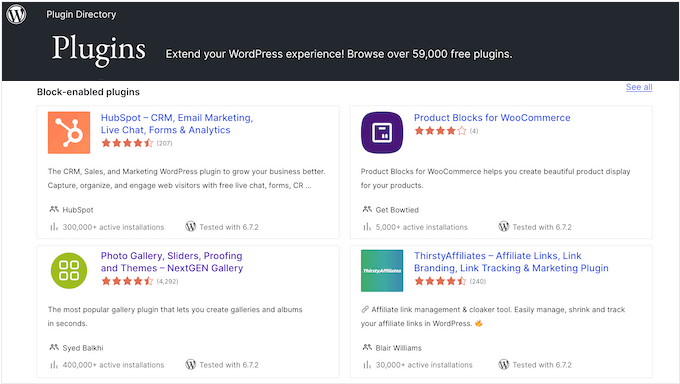
The platform's strength lies in its extensibility through plugins. Thousands of plugins are available to add specific features, including many designed for fundraising, volunteer management, and event coordination for charitable organizations.
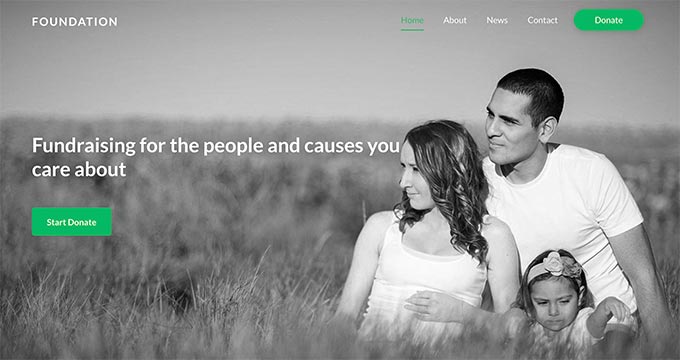
Additionally, a wide selection of themes tailored for nonprofits is available, many at no cost, providing professional designs without custom development expenses.
It is important to distinguish between WordPress.com, a hosted service with tiered plans, and WordPress.org, the self-hosted software. For full control and access to all plugins, the self-hosted WordPress.org version is generally the preferred choice for nonprofits.
Step 2: Establishing Your Website Foundation
To launch a self-hosted WordPress site, you will need two fundamental components: a domain name and web hosting.
Your domain name is your organization's unique address on the internet. Web hosting is the service that stores your website's files and makes them accessible online.
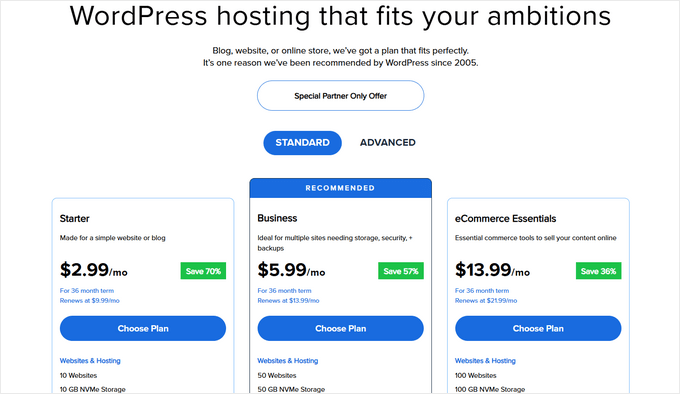
While these services involve recurring costs, they are necessary investments. A domain name typically requires an annual registration fee, and hosting is a monthly or annual service charge. It is advisable to research and compare hosting providers to find a plan that suits your organization's needs and budget.
Many hosting providers offer packages that include a domain name, hosting, and an SSL certificate, which is essential for securing data, especially when processing online transactions like donations.
After selecting a hosting provider, you will typically choose a plan, register your domain name, and complete the signup process. The provider's interface will guide you through these steps.
When choosing a domain, select a name that is memorable, reflects your organization's identity, and is easy to spell. Once your account is active, you can proceed to install WordPress, which many hosts facilitate through a simple one-click installer in their control panel.



